Ghibliy
StudioIdeasStylesPricingBlog
Sign inGet started

Your next photo starts here.

Upload one picture and try dozens of looks, free to start. No design skills needed.

Open the studio →Browse ideas
Ghibliy

AI photo studio. One photo in, many looks out. Examples on this site use fictional, AI-generated people.

Product

  • Photo Studio
  • Photo ideas
  • Art styles
  • Pricing
  • Sign in

Tools

  • AI headshots
  • Product photos
  • Photo restore
  • Image extender
  • Text to image

Free tools

  • HEIC to JPG
  • Image compressor
  • Image resizer
  • Image converter
  • Passport photo maker
  • Image cropper
  • All free tools

Styles

  • Ghibli
  • Anime
  • Watercolor
  • Pixel art
  • Sketch
  • Cartoon

Company

  • Blog
  • Terms
  • Privacy
© 2026 Ghibliy AI. All rights reserved.TermsPrivacy
Photo ideas / Valentine's Day

Holidays & events

Valentine's Dayphotos from one selfie

Romantic Valentine's Day photos from one picture: candlelit dinner, flower market, cozy cafe and rooftop sunset. Great for cards and profiles.

Make these with your photoBrowse 4 images
  • About 15 seconds
  • 4 credits per photo
  • One selfie, no training
Cozy café valentine's day photo exampleRooftop sunset valentine's day photo exampleFlower market valentine's day photo example
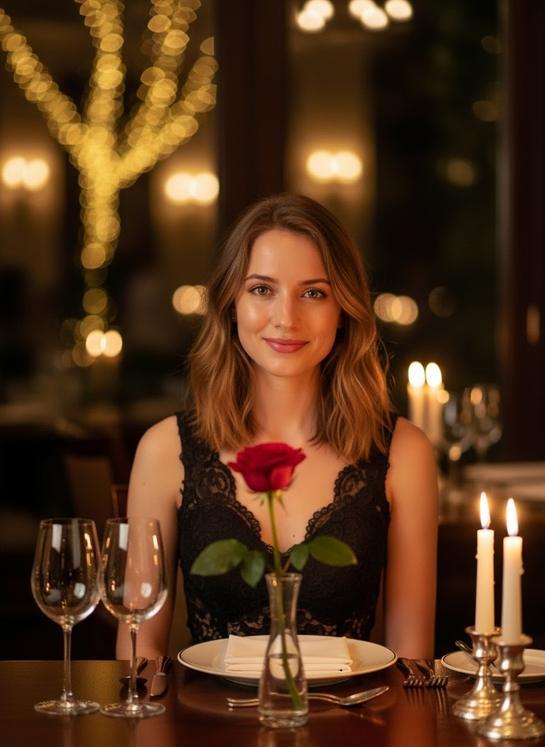
Candlelit dinner valentine's day photo exampleCandlelit dinnerReady in about 15 seconds
Example original selfieYour selfie
4 looks

The pack

4 images. Open one for its prompt.

Try them all
  • Candlelit dinner valentine's day photo example

    Candlelit dinner

    Warm restaurant glow

    Try this look
  • Flower market valentine's day photo example

    Flower market

    Arms full of roses

    Try this look
  • Cozy café valentine's day photo example

    Cozy café

    Hearts in the latte

    Try this look
  • Rooftop sunset valentine's day photo example

    Rooftop sunset

    Golden hour views

    Try this look

Examples use fictional, AI-generated people.

Under the hood

The prompts behind valentine's day

Every look is a plain-English instruction. Copy one, use it as is, or edit it in the studio to change the outfit, setting or mood.

  • Edit any prompt before you generate
  • The last line keeps your face the same
  • Switch the AI model for a different feel
Open the studio
  • Candlelit dinner example
    Candlelit dinnerTry it

    Place this person at a candlelit restaurant table with a red rose and soft bokeh lights, elegant evening outfit, warm romantic lighting, gentle smile. Keep the same person: identical face, facial features, skin tone, hair and expression. Photorealistic, natural skin texture, no beauty filter, no extra people.

  • Flower market example
    Flower marketTry it

    Place this person at a bright flower market holding a large bouquet of red and pink roses, light spring outfit, soft daylight, joyful smile. Keep the same person: identical face, facial features, skin tone, hair and expression. Photorealistic, natural skin texture, no beauty filter, no extra people.

  • Cozy café example
    Cozy caféTry it

    Place this person at a cozy café table with a latte with heart latte art and a small gift box, soft pink sweater, warm window light. Keep the same person: identical face, facial features, skin tone, hair and expression. Photorealistic, natural skin texture, no beauty filter, no extra people.

  • Rooftop sunset example
    Rooftop sunsetTry it

    Place this person on a rooftop terrace at sunset with string lights and a pink-orange sky, stylish coat, warm backlight, relaxed romantic look. Keep the same person: identical face, facial features, skin tone, hair and expression. Photorealistic, natural skin texture, no beauty filter, no extra people.

How it works

From selfie to valentine's day photos in three steps

One photo is all it takes. No training, no waiting.

  1. 1
    Your selfie

    Upload one photo

    A sharp, front-facing photo with good light works best. No extra selfies, no waiting for a model to train.

  2. 2

    Pick a look

    Open the studio, choose a look, and tweak the prompt or switch the AI model if you like. Run up to four at once.

  3. 3
    Valentine's Day photo made from one selfieFlower market Ready in 15s

    Download and share

    About 15 seconds per photo at 4 credits each. If a generation fails, your credits come back automatically.

Try valentine's day with your own face

New accounts start with free credits. A full run of this pack is 16 credits, and credit packs start at $2.

Start freeSee pricing

Questions

How do I get valentine's day photos?+

Upload one clear photo of yourself, choose a look from the Valentine's Day pack, and press Generate. Each look takes about 15 seconds and you can run several at once.

Do I need to train a model or upload many selfies?+

No. One photo is enough. The studio edits your photo directly, so there is no training step.

How many valentine's day ideas are there?+

4 images so far, and more are added regularly. Open any of them to see its prompt, then you can edit the prompt or switch the AI model before you generate.

How much does it cost?+

Each photo costs 4 credits. New accounts start with free credits, and credit packs start at $2. If a generation fails, your credits are refunded automatically.

More photo ideas

All ideas
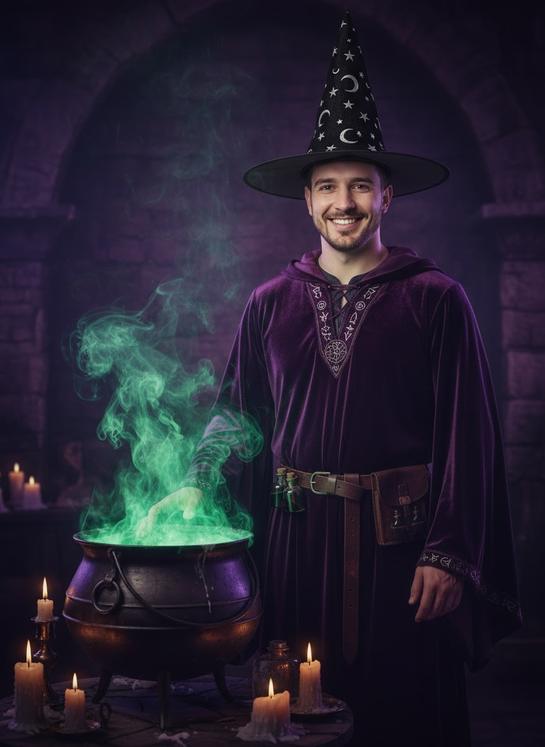
  • Halloween photo exampleHalloween4 images
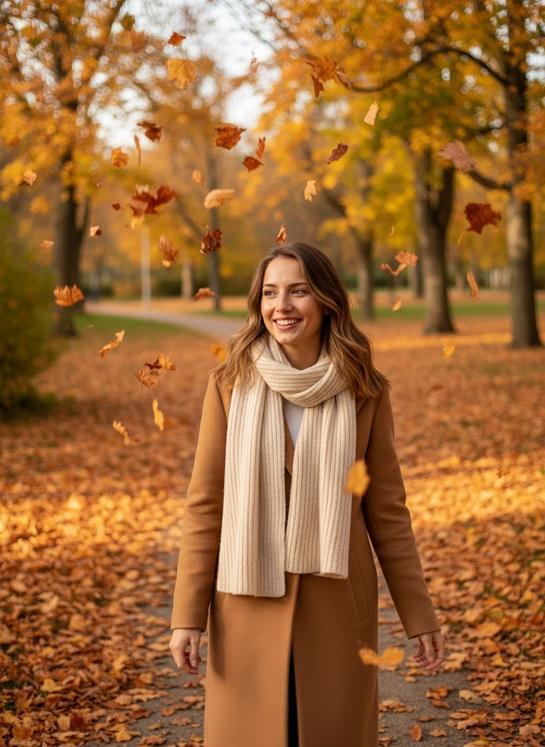
  • Autumn photo exampleAutumn4 images
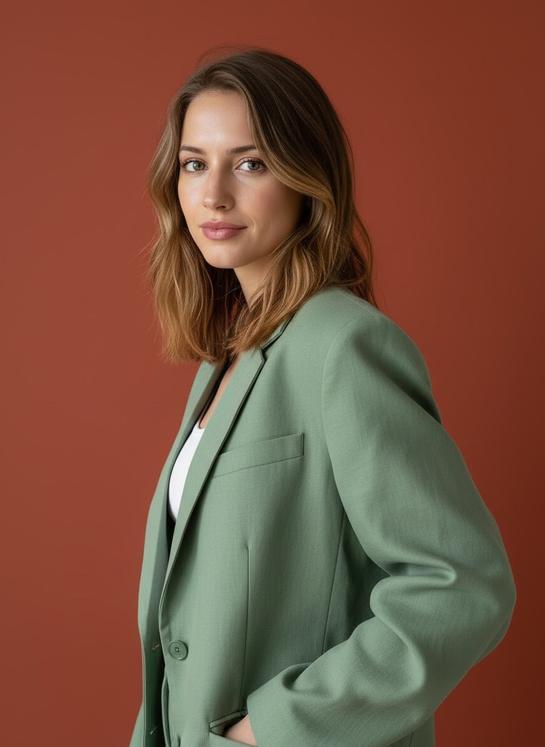
  • Editorial fashion photo exampleEditorial fashion4 images
  • Fantasy & adventure photo exampleFantasy & adventure4 images